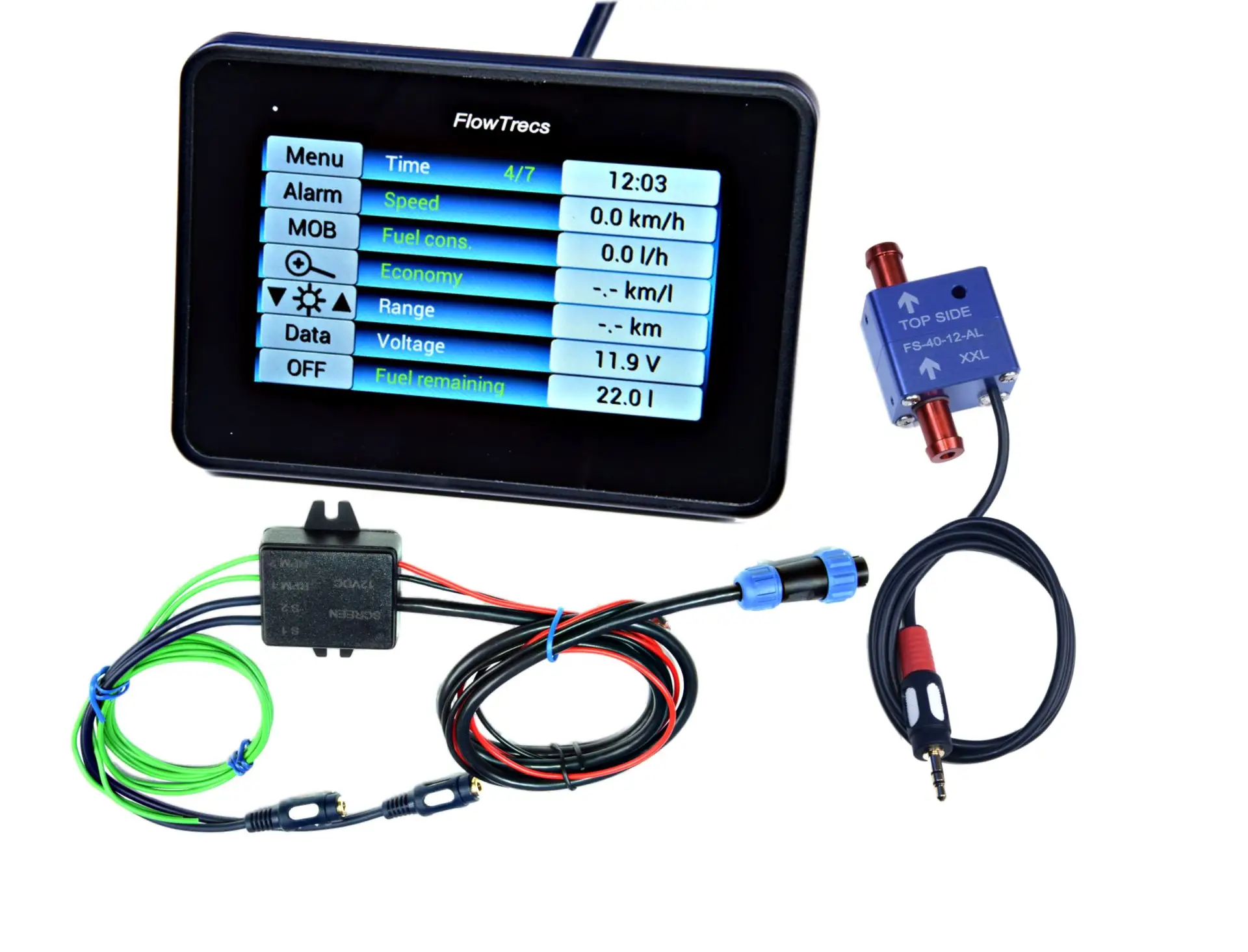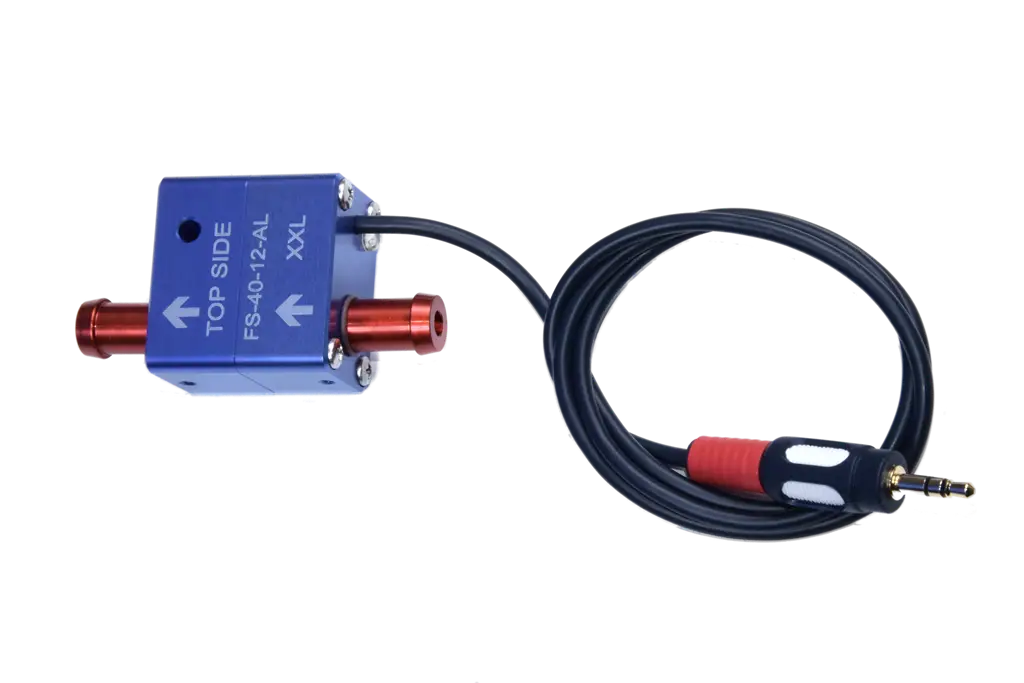
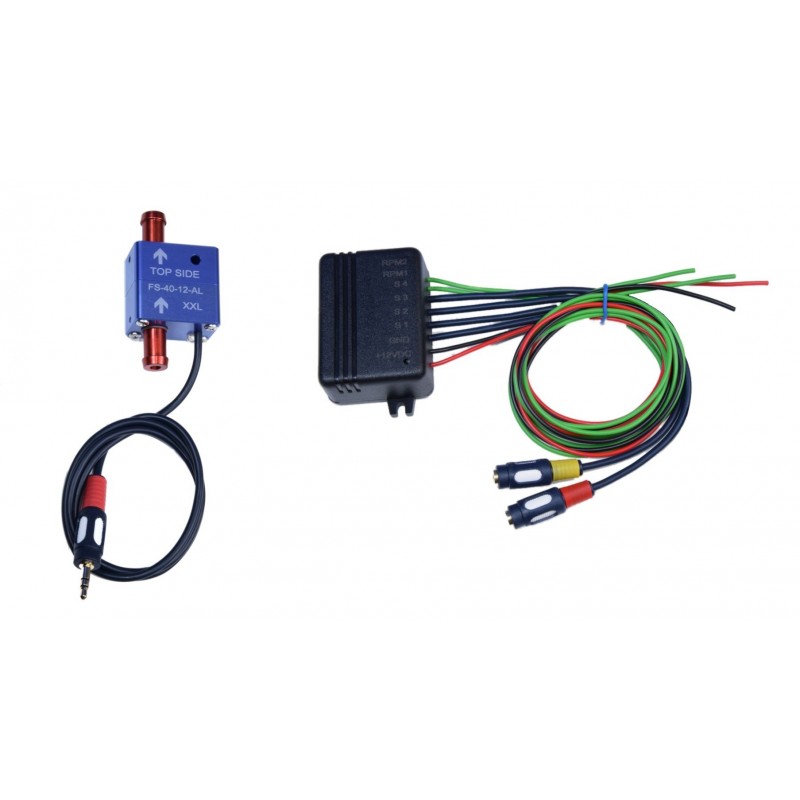
What does Flowtrecs App need?
The Flowtrecs App kit uses an Android phone or tablet as its display and connects to it over Bluetooth. The Android device is not included.
The kit contains the measurement interface and the sensors for the selected variant. Before installation, provide a compatible Android device, a stable onboard supply and a safe way to mount and charge the phone.
All fuel-consumption measurement kits with FS-40 sensors are factory-calibrated and configured for the ordered version. Android BT and C7 Ultra kits come with the supplied display already paired with the Bluetooth module. The pairing procedure below is for your own phone or tablet used with an App kit.
Before buying: which kit variant should you choose?
| Fuel system | App variant | Measurement |
|---|---|---|
| 1 petrol engine without return | 1 sensor | Feed |
| 2 petrol engines without return | 2 sensors | One per engine |
| 1 return-line diesel | 2 sensors | Feed minus return |
| 2 return-line diesels | 4 sensors | Two feed-and-return pairs |
Before ordering, use the table to match the variant to your fuel system. The sensor settings in the delivered kit are already configured — you do not select them again in the app. See how many sensors your boat needs for the complete decision path.
Prepare the Android phone or tablet
- Install the app from the source stated in the current Flowtrecs materials.
- Enable Bluetooth and charge the device before setup.
- Grant nearby-device or location permissions if the Android version requests them.
- Temporarily disable aggressive battery optimisation for the app.
- Confirm that the Flowtrecs interface has its nominal 12 V supply.
Permission names and settings locations vary between Android versions. Never connect the Flowtrecs module directly to 24 V.
Make the first Bluetooth connection
The module can be found only during the first minute after it is powered on. The pairing PIN is printed on the black Bluetooth module, so read it before starting setup. The one-minute limit applies only to discovery during pairing, not to using the connection afterwards.
- Read the PIN printed on the black Bluetooth module.
- Enable Bluetooth on the Android device, open Flowtrecs App and prepare its interface search or add-device process.
- Power the Flowtrecs module and start searching immediately. The device is discoverable for only one minute after start-up.
- Select the interface for the kit, enter the PIN from the black Bluetooth module when the phone requests it, and accept the Android prompts.
- Wait for connected status. Flowtrecs App kits supplied with sensors are shipped calibrated and configured for the ordered version. Once correctly installed, simply pair the kit with the app. There is no need to select the sensor type, range or count in the app, or to perform calibration yourself.
The app cannot find the interface
- If more than one minute has passed since start-up, switch the module's power off and on, then begin searching immediately.
- Check the interface's 12 V supply, fuse and wiring.
- Move the phone closer and temporarily remove obstacles that shield the signal.
- Confirm that Bluetooth is on and the app has the required permissions.
- Close other apps or devices that may have started connecting to the interface.
- Cycle Bluetooth, restart the app, then perform a controlled power-cycle of the module.
Change one thing at a time and check the result. Leave removing a saved device or clearing app data until later, because settings may need to be entered again.
Bluetooth connects, then drops
Check whether the fault follows distance, phone position, engine start, a voltage dip or screen sleep. Android may restrict background operation, so review battery settings and allow the app to run as required by the current version.
- Maintain stable power for the interface and phone.
- Avoid shielding the module with large metal structures where practicable.
- Check for app updates only through the official source.
- After reconnection, confirm that channels and settings remain correct.
If the measurement itself disappears at the same time, do not assume Bluetooth is the only cause. Use the sensor and reading troubleshooting guide.
Connecting the RPM signal
Reading RPM from the ignition signal of a carbureted petrol engine requires an additional Tacho Pulse Limiter. Two versions are available: IN — for inboard engines and OUT — for outboard engines.
For fuel-injected engines (EFI/DFI), a limiter is typically not needed when using a suitable electronic tachometer output.
The limiter is used only for RPM readings and is not required to measure fuel consumption.
Diesel: an additional Hall sensor may be required if the engine does not provide a suitable electronic RPM signal.
What should you check before the first trip?
- The app reconnects after a controlled restart.
- Sensor count and engine assignment match the installation.
- On a diesel system, feed and return channels are identified correctly.
- Behaviour after screen sleep and wake has been checked.
- The phone has suitable charging, readability and water protection for its mounting position.
Screen brightness, water resistance, GPS and operating time depend on the phone or tablet. For a dedicated panel, compare App, Android BT, C7 Ultra and the other Flowtrecs products, or ask about the configuration.