Installation first, correction second
Flowtrecs sensors are factory calibrated. Calibration after installation is not a mandatory first step. Consider a correction only when a significant difference is repeatable and confirmed by a reliable independent measurement.
Air in the line, a reversed sensor, an unsuitable flow range, a leak or incorrect channel configuration can look like a calibration error. Start with the FS-40 installation guide.
The reading stays at zero
- Confirm nominal 12 V power and the specified protection; never apply 24 V directly.
- Inspect the sensor plug, signal cable and assignment to the correct channel.
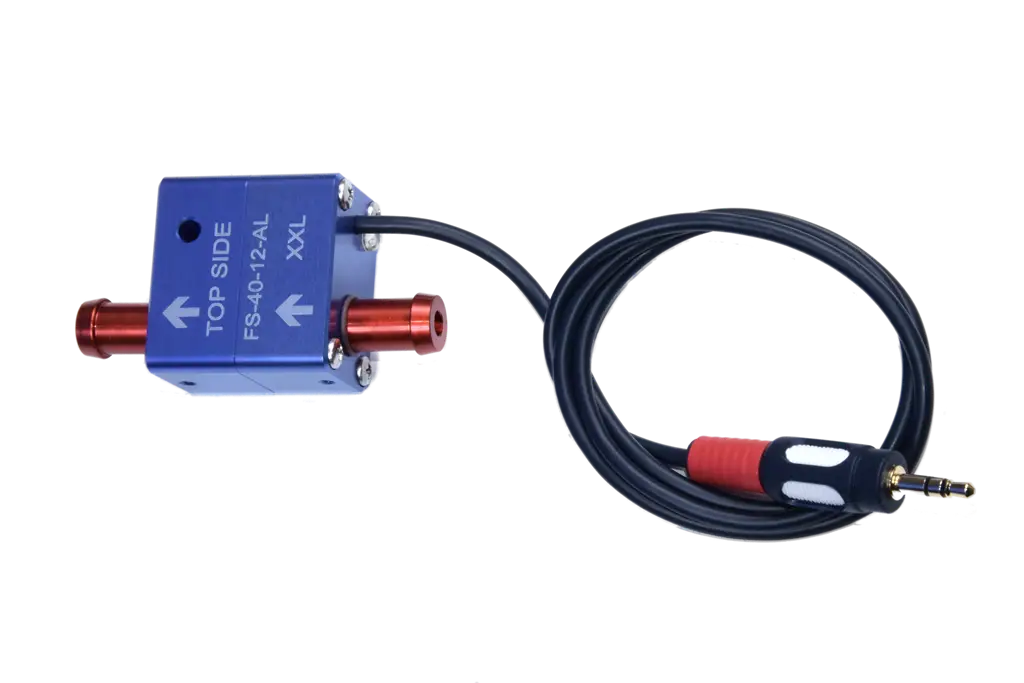
- Check that the arrow follows fuel flow and TOP SIDE faces upwards.
- Prime and bleed the system as specified by the engine manufacturer.
- Confirm that valves are open, the filter is clear and fuel is actually moving.
- Compare the real flow with the minimum range of the exact FS-40 version.
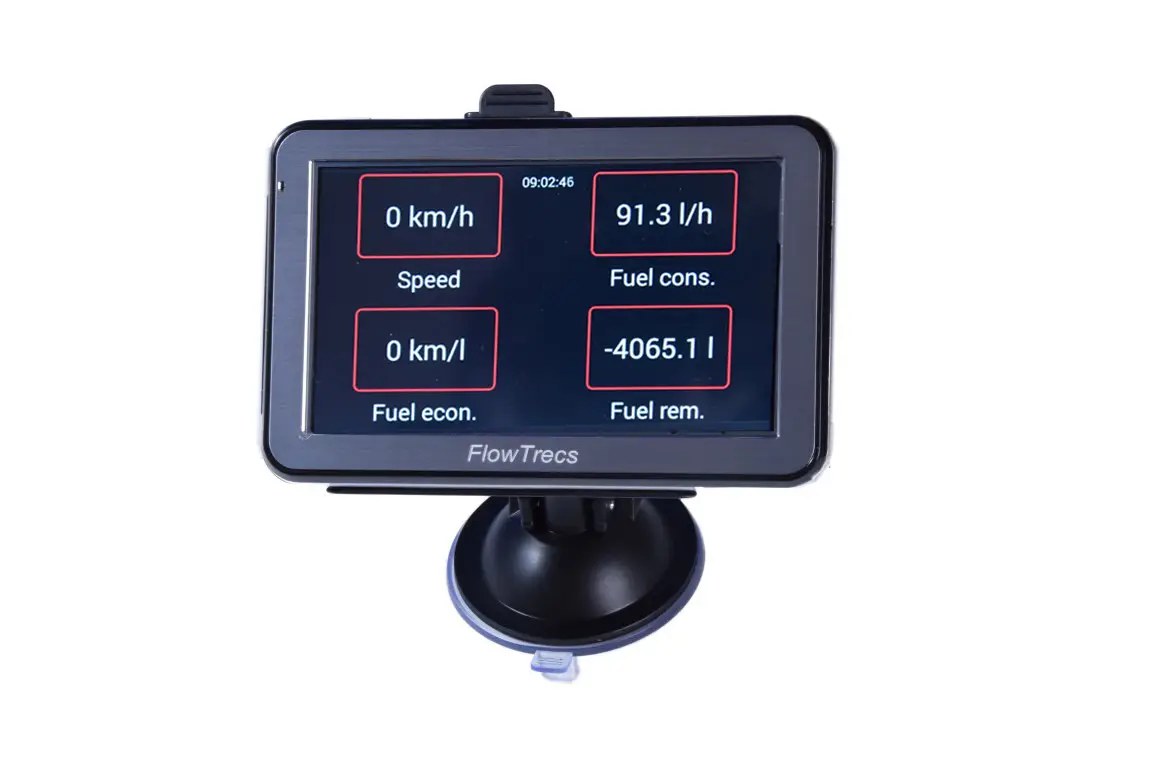
For Bluetooth systems, also verify connection to the interface. On models where the sensor's green LED can be seen, its activity helps confirm flow: it flashes at low flow and may look continuously lit at higher flow. Only a complete lack of activity after power and actual fuel flow have been confirmed points the investigation towards the sensor and fuel system before the display.
The reading jumps or disappears
Begin with air and the mechanical installation. Check joint integrity, a fully primed line, filter condition, sensor orientation and the absence of kinks or strain. Correct excessive heat or vibration if the mounting position is unsuitable.
- Does the reading settle after bleeding again?
- Does the symptom occur only at idle or very low flow?
- Does it follow pump operation or filter condition?
- With the engine and device power off, visually check the condition and support of cables and plugs as specified for the model. Do not move live connectors; leave any live electrical connection tests to a service technician.
Do not dismantle the sensor or attempt to clean its internal mechanism without an approved service procedure. If contamination or damage is suspected, contact Flowtrecs.
Low flow and averaging
Every FS-40 variant has a defined operating range. During trolling or idle, actual flow may approach the lower limit, so an oversized sensor can make small readings less stable.
The Wave, Inox and Mini manuals describe an averaging-time setting. Longer averaging can steady the displayed value, but it also slows the response and cannot correct air, a leak or the wrong sensor range.
How to verify a real difference
Do not alter a correction factor after one short run or from the tank gauge alone. Compare the consumption recorded by Flowtrecs with the fuel needed to refill the same tank to a repeatable level.
- Remove air and confirm leak-free installation before the test.
- Fill to a repeatable level and record the consumption counter or reset the trip total as specified in the device manual.
- Use a meaningful quantity of fuel during normal operation. During the test, do not transfer fuel between tanks or use other fuel consumers that Flowtrecs does not measure.
- Refill the same tank to the same level with similar boat trim. Compare the refill amount with the increase in the Flowtrecs counter over exactly the same period.
- Repeat the test. Consider a correction under the exact model’s instructions only if the difference is significant and repeatable. Verify the result again after any change.
If filling conditions or the periods and fuel use being compared differ, do not use the result as a basis for correction. Do not test with an open container or a disconnected fuel return.
Change one parameter at a time and record the previous value so it can be restored.
Troubleshooting feed-and-return measurement
In a return-line engine, net consumption is the difference between two flows. A small deviation in one sensor may become more visible after two large readings are subtracted, so the two circuits must be checked as a pair.
- Identify which sensor measures feed and which measures return.
- Check arrow direction, flow range and bleeding on both.
- Confirm the channels are assigned to the correct engine.
- Do not correct one side before eliminating faults common to the installation.
The guide to how Flowtrecs measures fuel consumption explains the differential principle.
When should you stop and request service?
Switch the system off if fuel or its odour is present, a hose is damaged, components overheat, power is intermittent or the engine runs abnormally. Do not open the sensor body or interfere with its internal mechanism.
For a support request, prepare the computer model, FS-40 version and range, engine and sensor count, return-line information, supply voltage, the symptom and when it occurs. Photographs that show TOP SIDE, the arrow, filter and hose routing are useful.
Contact the Flowtrecs team or review the current page for your product. Setting names must always be matched to the exact manual and software version.